
Dolceora news
New: the iPhone app, a Foodie list, and plans you can share
Dolceora is in the App Store, with widgets and Lock Screen countdowns. Plus a shared list of places to eat, On This Day, and cards and videos of any plan.
· 2 min read
For the two of you
Your plans, your partner’s plans and the things you’re doing together, each in its own colour. Dolceora puts both your lives on one calendar, with your date nights, to-dos and trips alongside.
Free for both of you. On iPhone, and in the browser on any phone, tablet or computer.
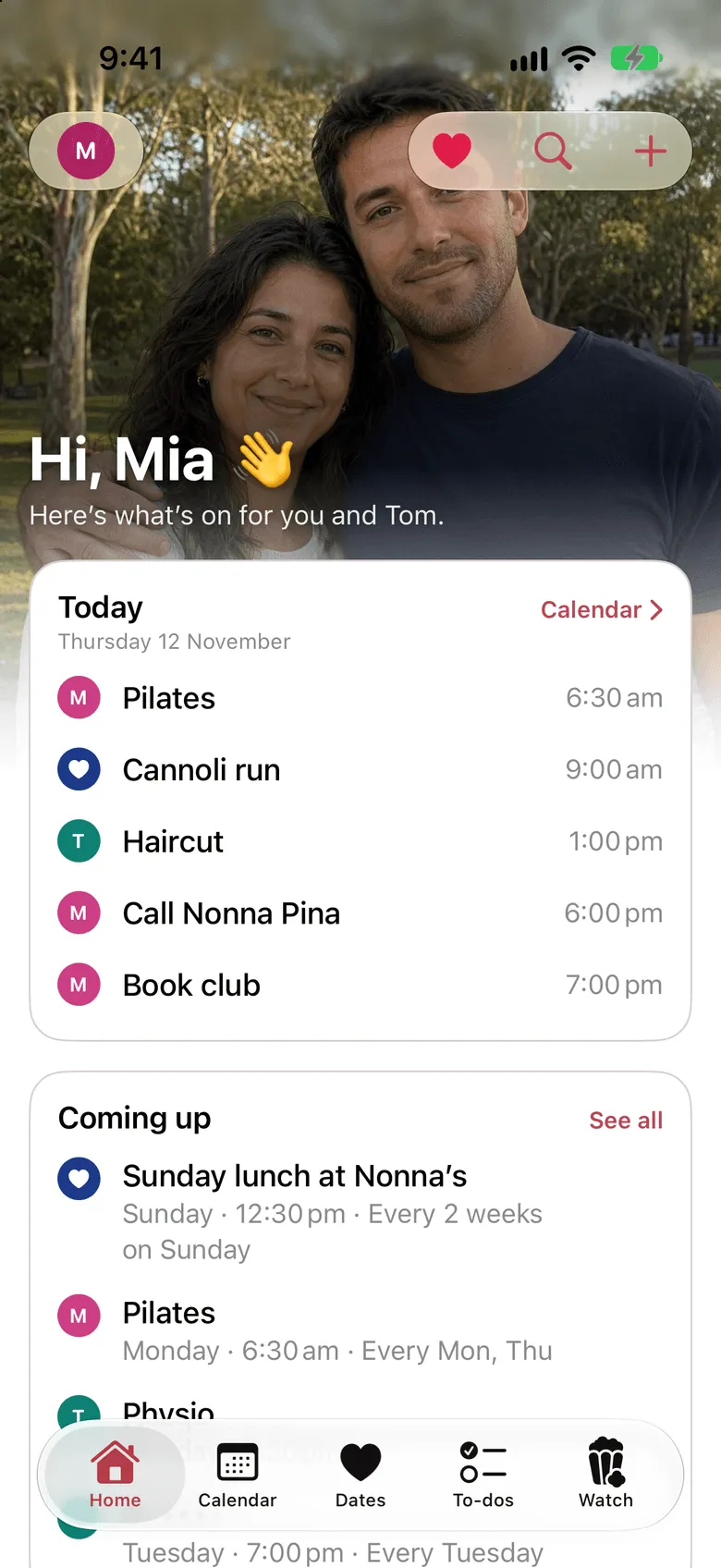
Me, Partner, Us
Ordinary shared calendars give you a pile of events and leave you to work out who they’re for. Dolceora is built for exactly two people, so every plan is yours, theirs or both of yours.
Pilates, the dentist, work drinks. Your plans, in your colour.
Footy training and the late shift. Theirs, in theirs. No more “wait, you’re out Tuesday?”
Dinner with friends, a weekend away, Mum’s birthday lunch. The plans you share, in a colour of their own.
Sign up in under a minute, on your phone or computer.
They make their own account and enter it, and you’re paired.
Add plans as yours or as both of yours. Your partner’s show up in their colour, on both your calendars.
Shared calendar
Day, week, month and year views, with filters for you, your partner and the two of you. Repeat anything: every Monday and Thursday, every fortnight, every year.
Birthdays and anniversaries get their own colours and their own spot on your Home screen, so they never sneak up on you.
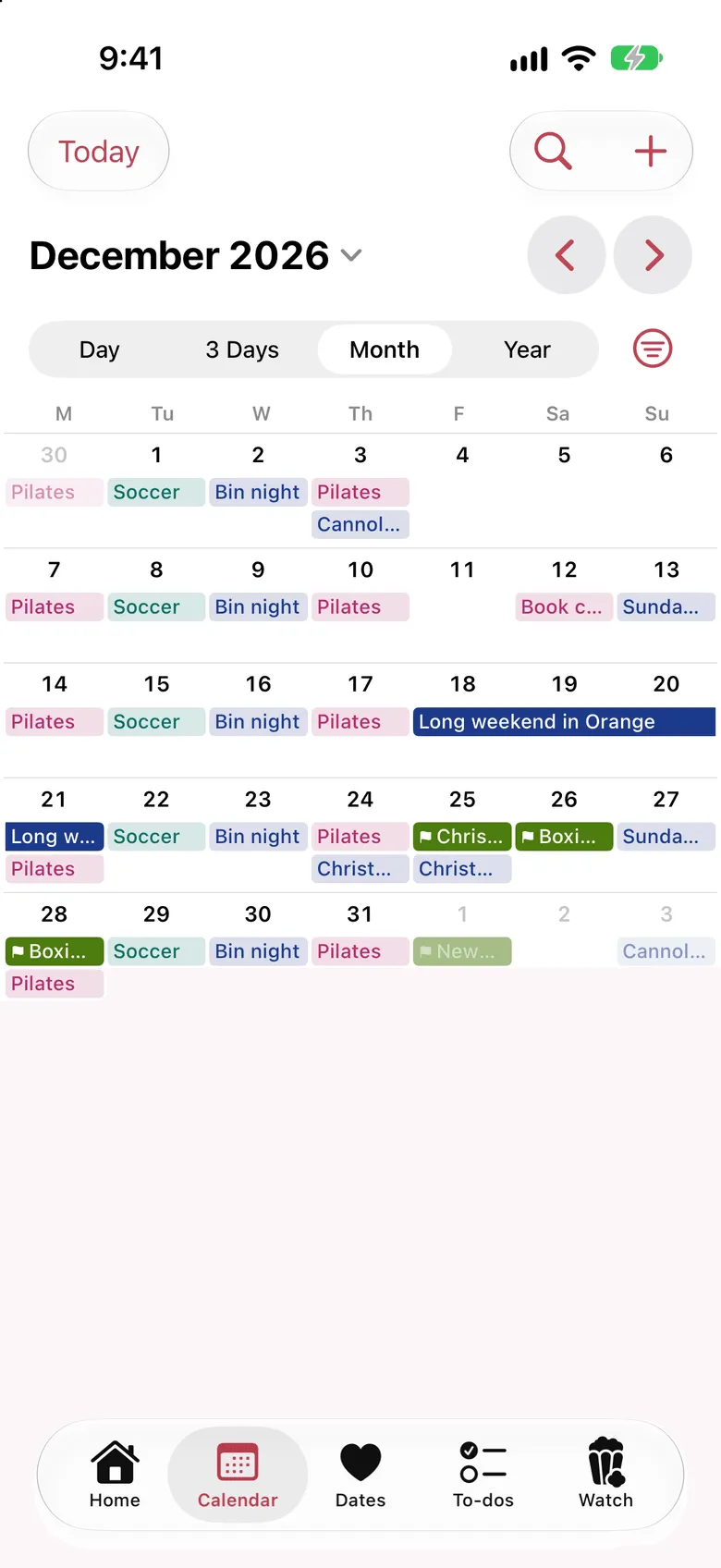
AI assistants
Connect ChatGPT or Claude, then ask in your own words: “Are we free Saturday?”, “Find us a night for a date next week”, “Add this wedding invitation to our calendar.”
It answers from both your calendars and adds plans for you, so they’re on both your phones straight away. Your partner’s private plans stay private.
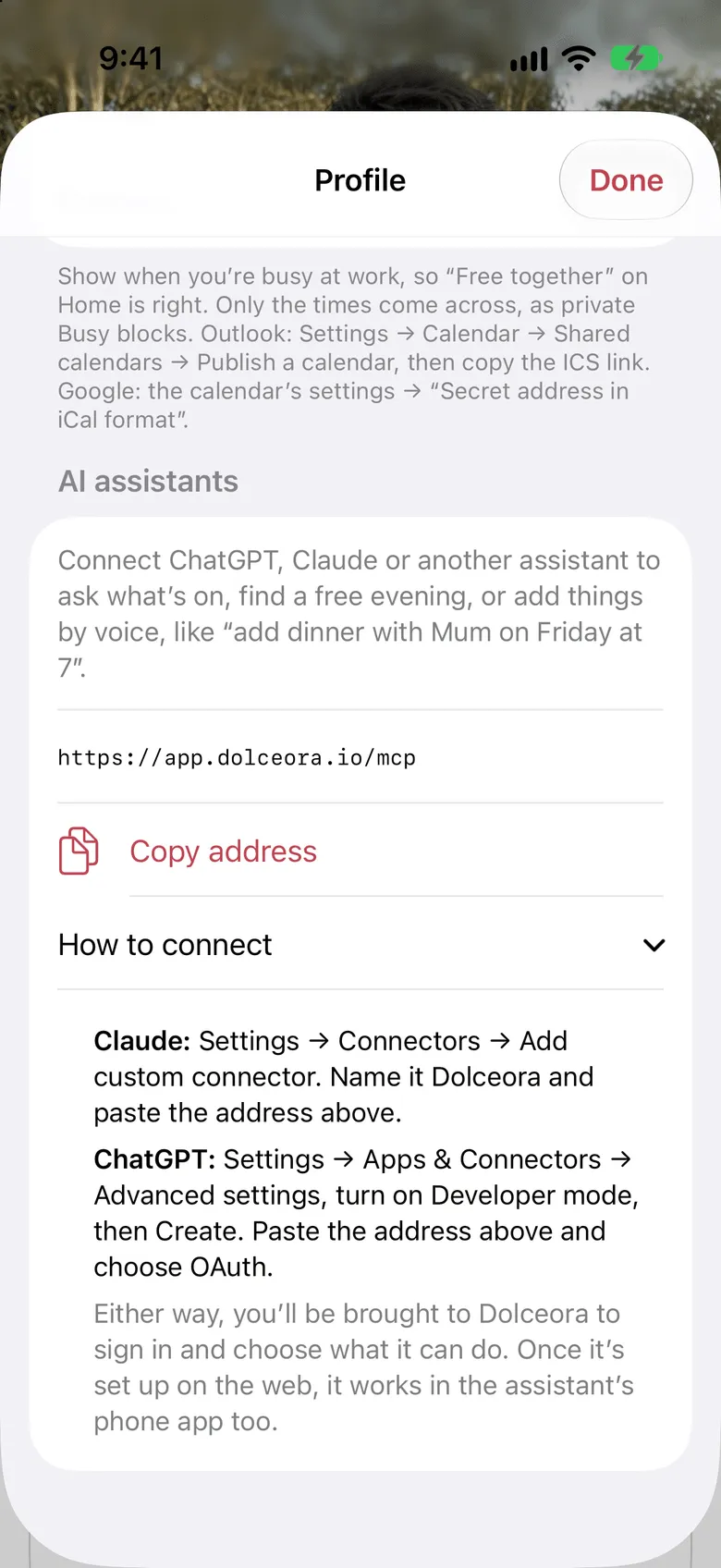
Date planner
Save date ideas the moment you think of them. When you’re ready, plan one for a night and it goes straight on your shared calendar.
Can’t decide? Date Night Roulette spins your saved ideas and picks one for you. Not feeling it? Ask for a respin, and your partner gets a say.
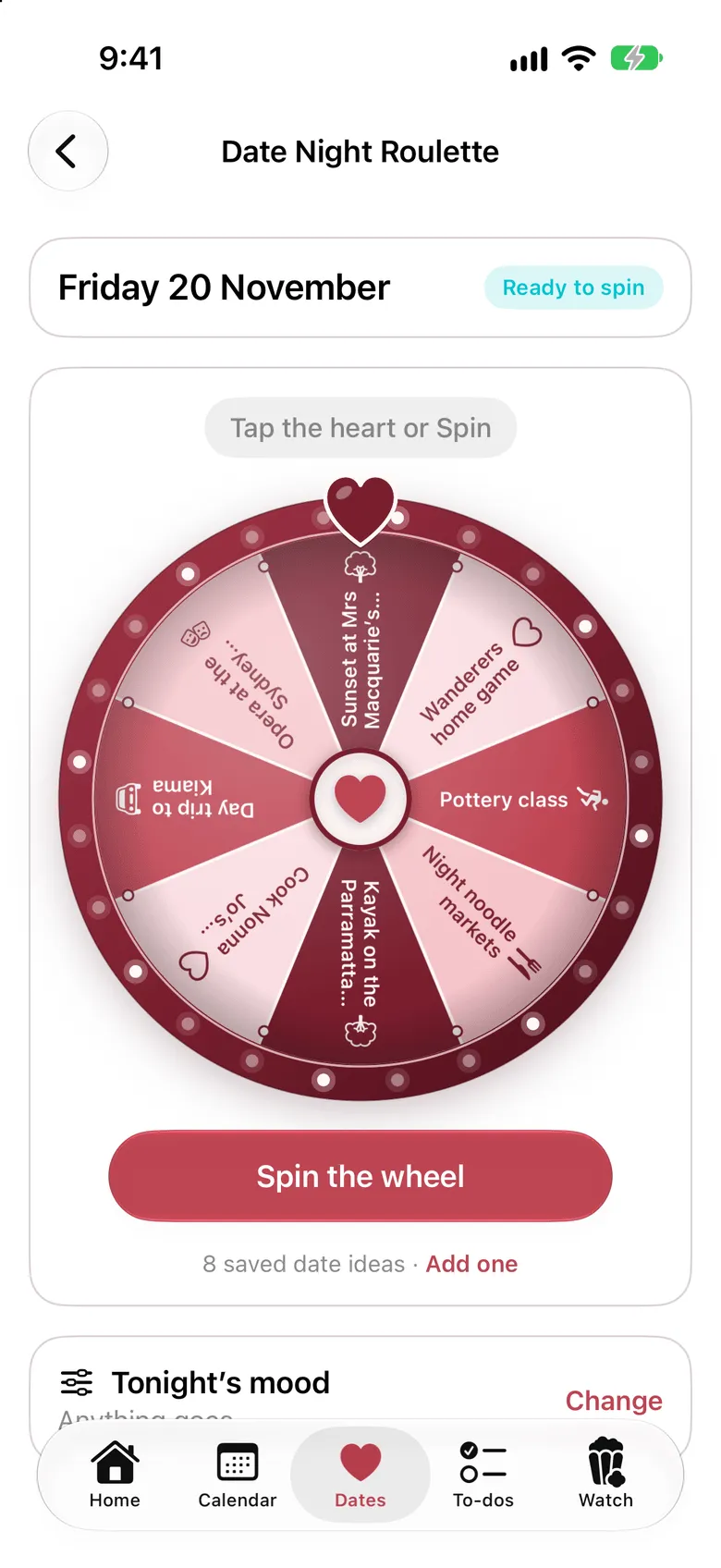
Shared to-do list
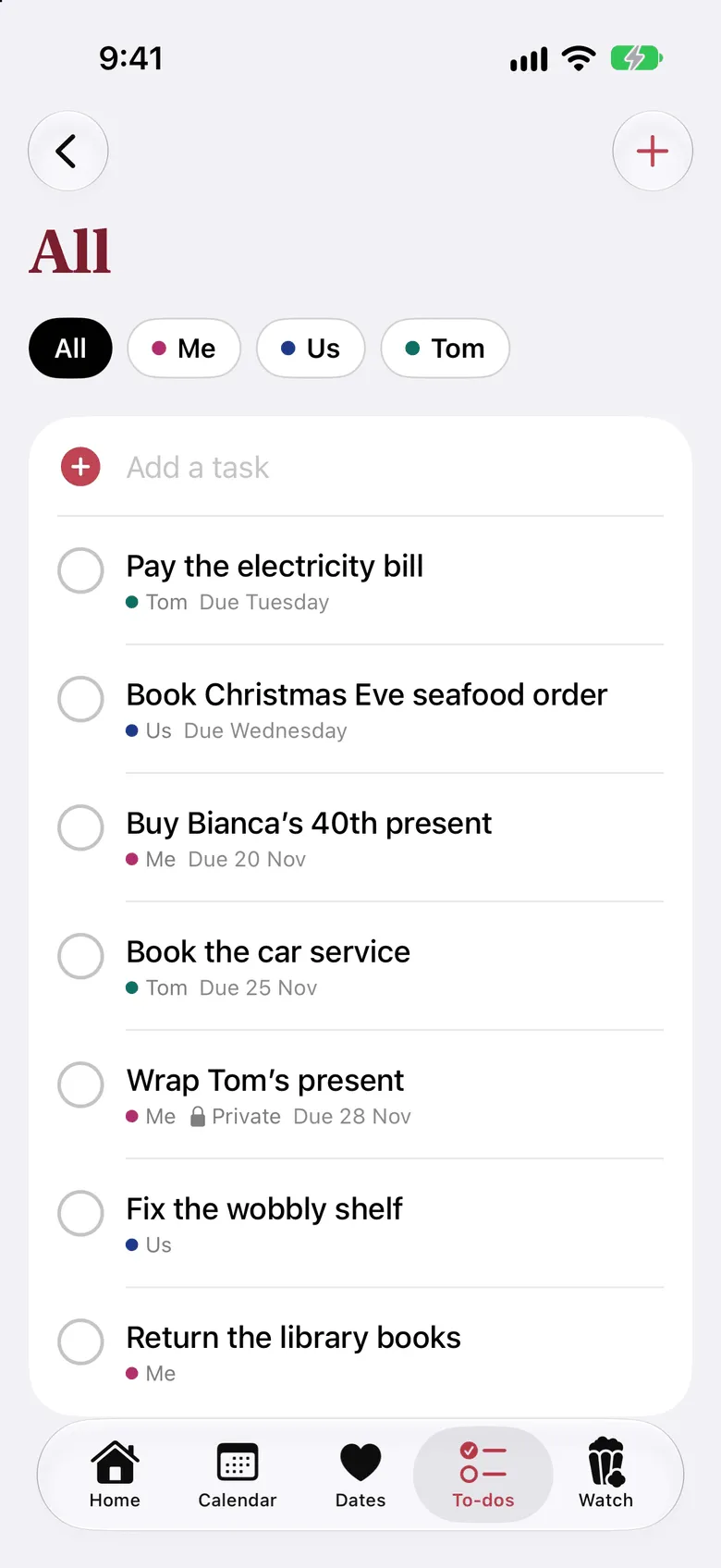
Give each task to yourself, your partner or both of you, with a due date if it needs one. See at a glance who’s doing what this week.
Buying their present? Hide that one. Only you will see it.
Trips
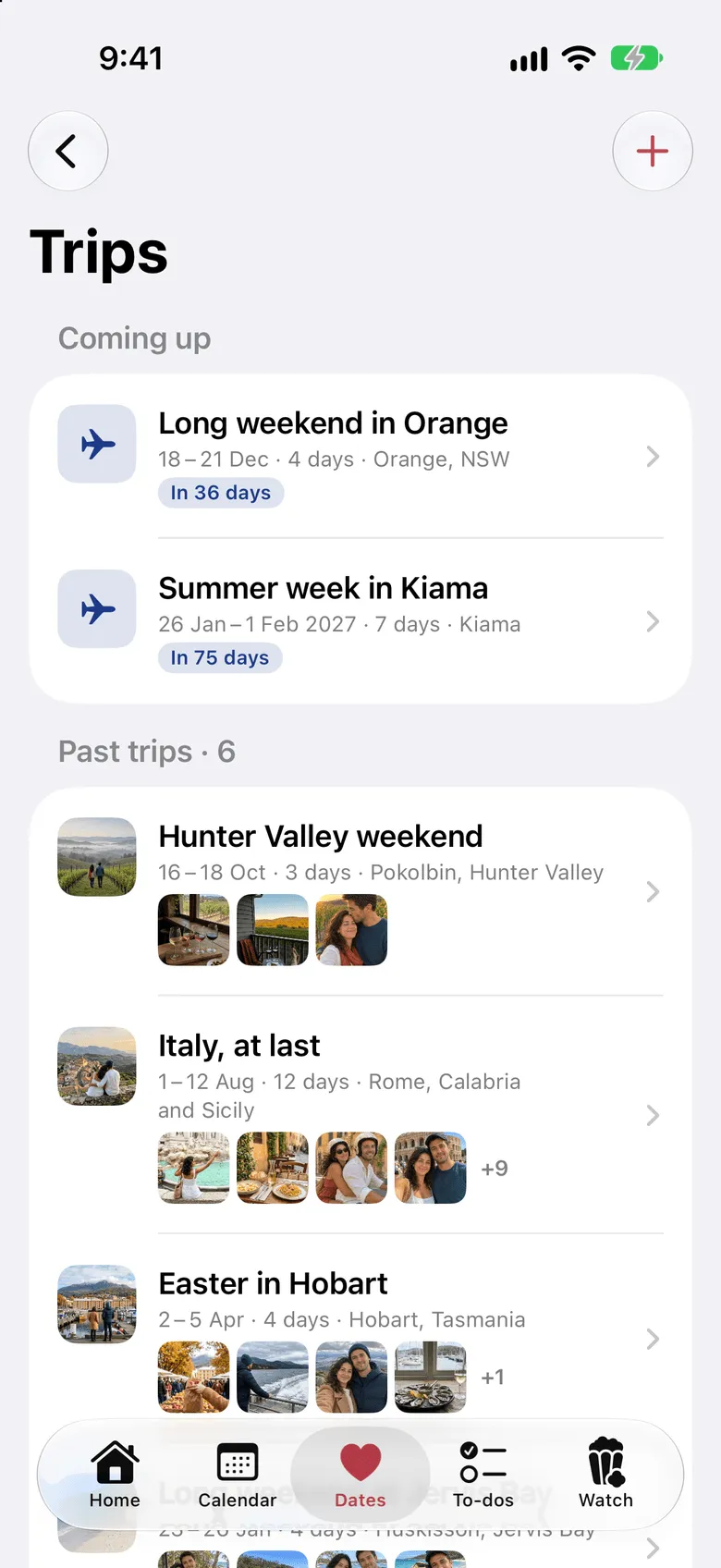
Add a trip and its days are blocked out on both your calendars, with a countdown to when you leave. Pack, plan the days and shop for it together.
Afterwards, add your photos. Each trip keeps its own album, and every photo lands in your shared Gallery too.
Foodie list
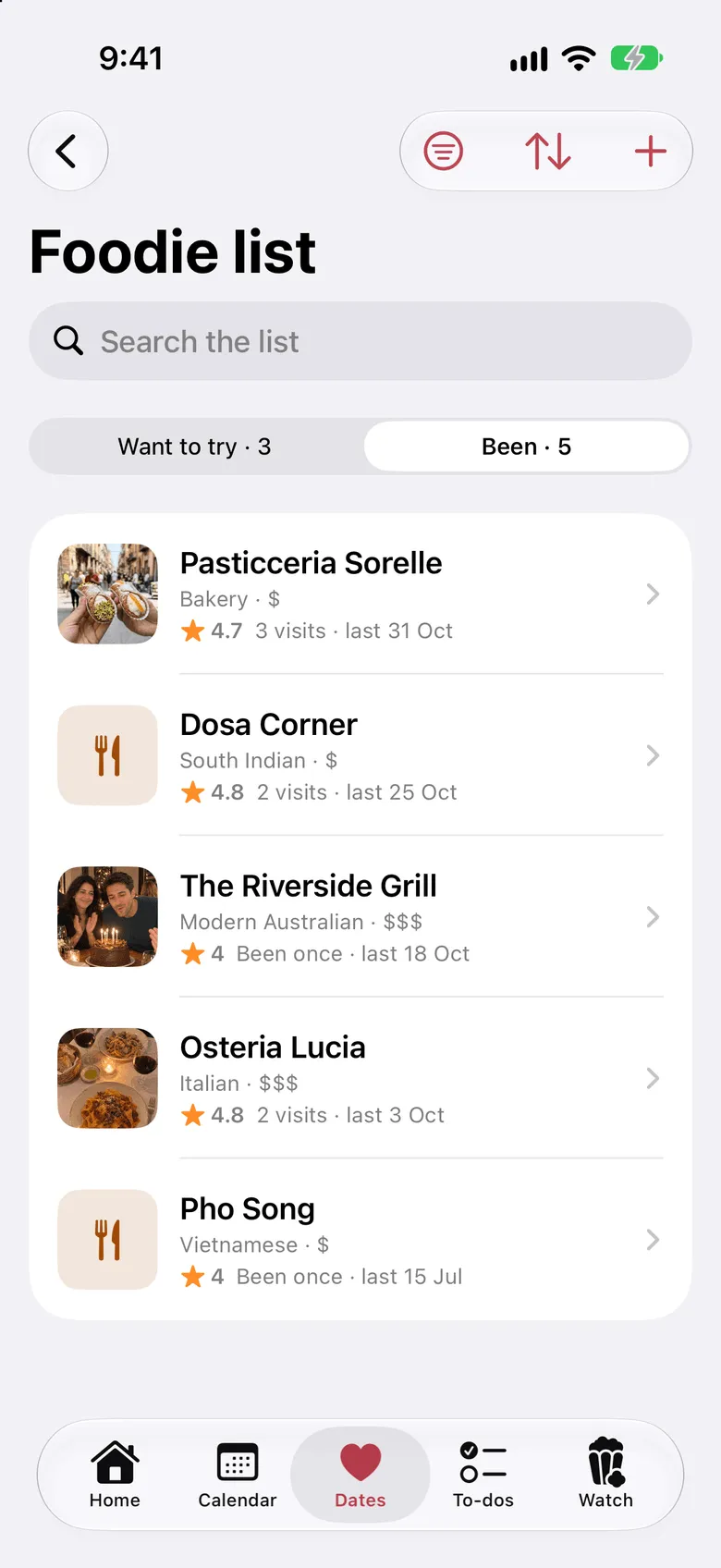
Keep one list of the places you want to try. When you’ve been, log the visit with your photos, and you each give it your stars.
Filter by cuisine or price when you’re hungry, and turn any place into a date night in a tap.
Watchlist
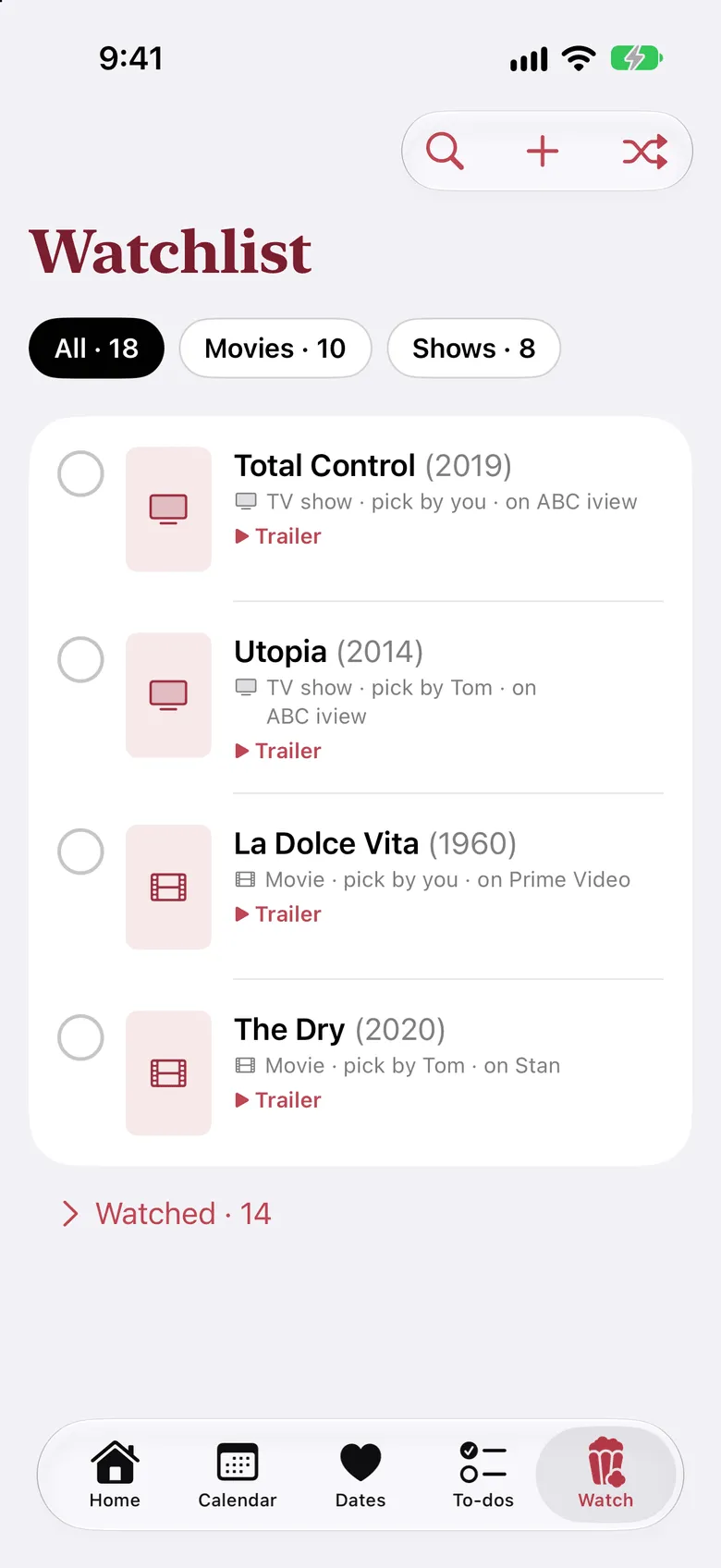
Keep one list of the films and shows you want to watch together, with whose pick each one was and where it’s streaming.
Rate them out of 10 when you’re done. Still arguing? Spin, and let the list choose.
Year in Review
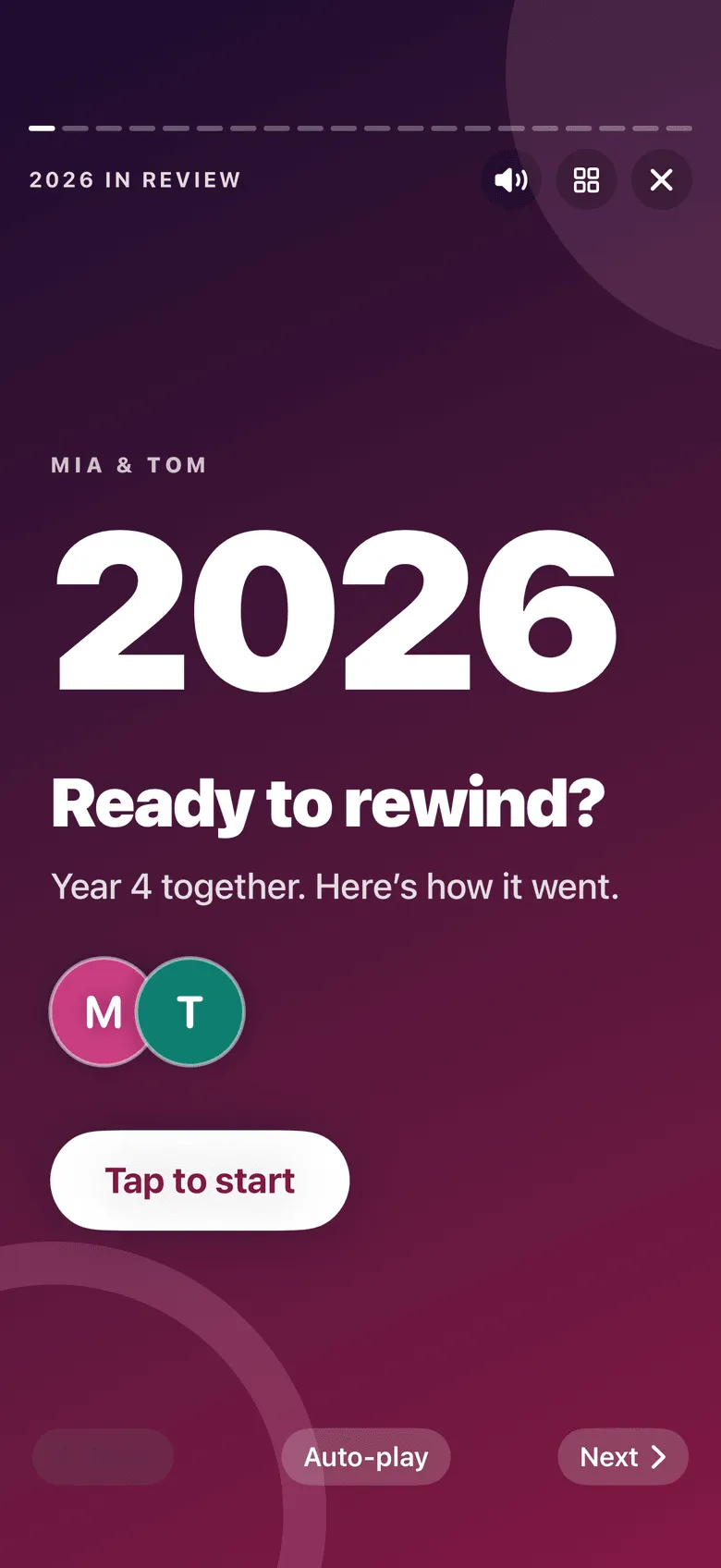
Every December, Dolceora turns your year into a story you tap through: your dates, your trips, your busiest day, what you watched, where you ate, and what kind of couple you are.
Write each other a note to read at the end, then share your year as a video with the music.
And any time of year, share a single plan as a card or a short video: a countdown to your trip, or the best night out of the month.
Can’t wait until December? Take the couple quiz and guess which of nine kinds of couple you are.
Planning a surprise? Hide it. Only you see the details, and on their calendar it just shows you’re busy. Private plans stay out of their Year in Review, too.
Privacy and securityGet the iPhone app, with widgets for your home screen and a countdown on your Lock Screen. Or use Dolceora in the browser on any phone, tablet or computer. An Android app is coming soon.
More answers in Help.
Dolceora news
Dolceora is in the App Store, with widgets and Lock Screen countdowns. Plus a shared list of places to eat, On This Day, and cards and videos of any plan.
· 2 min read
Dolceora news
You can now connect ChatGPT, Claude or another AI assistant to Dolceora to ask what’s on, find a free evening and add plans by voice. Here’s how to set it up.
· 3 min read
Life together
A practical way to split housework as a couple: list every job, count the invisible ones, choose a method that suits you both, and check in before it festers.
· 5 min read
Set it up in a minute, then send your partner a code. You’ll both see whose plans are whose from day one.
Free for both of you. On iPhone, and in the browser on any phone, tablet or computer.